

Face Terminal
Employee Guide
Time & attendance terminal with face recognition
Contents
- 1 Meet your terminal
- 2 Checking in and out
- 3 If something doesn’t work
- 4 Quick reference
HR.Click · Face TerminalUsing the terminal
1Meet your terminal
The HR.Click terminal is a small touchscreen device, usually mounted near the entrance. It recognises your face and records when you start work, take a break, and finish work — no cards, fobs or PIN codes.
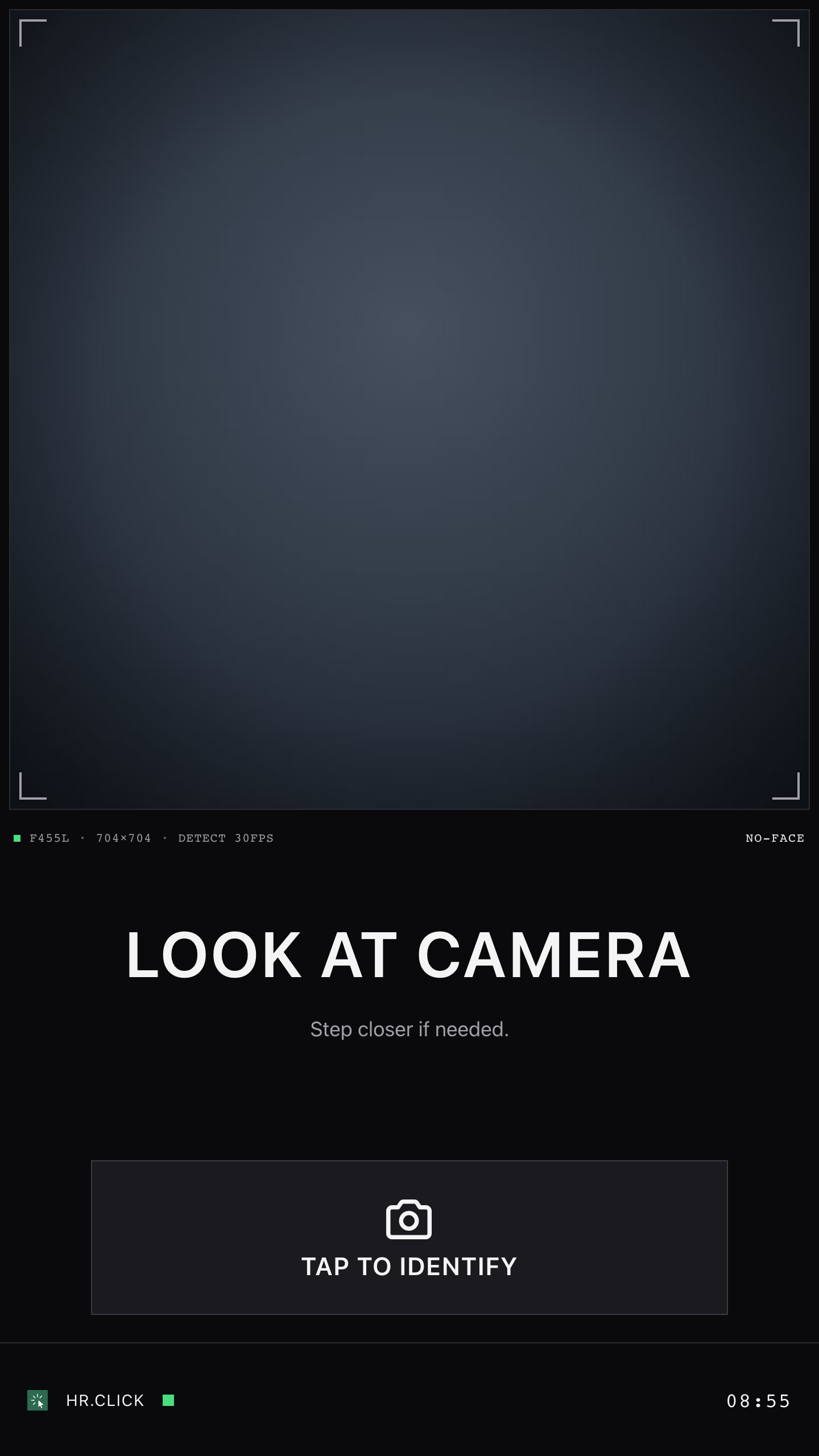
On the resting screen you can see:
- The camera view — a live preview with hints that help you position your face (“Look at camera”, “Step closer”…).
- The clock — always shows your office’s local time. This is the time your check-in will be recorded with.
- A status dot at the bottom — green means everything is connected. If it blinks yellow, the terminal is temporarily offline — keep checking in as usual; everything is saved and synced automatically.
You never need to log in or press anything to be recognised — just walk up and look at the camera.
The terminal stores a mathematical template of your face, not photographs, and only after you have signed a consent form. You can ask your administrator to delete it at any time.
2Checking in and out
- Step up to the terminal and look at the camera. Follow the on-screen hints if it asks you to step closer or centre your face.
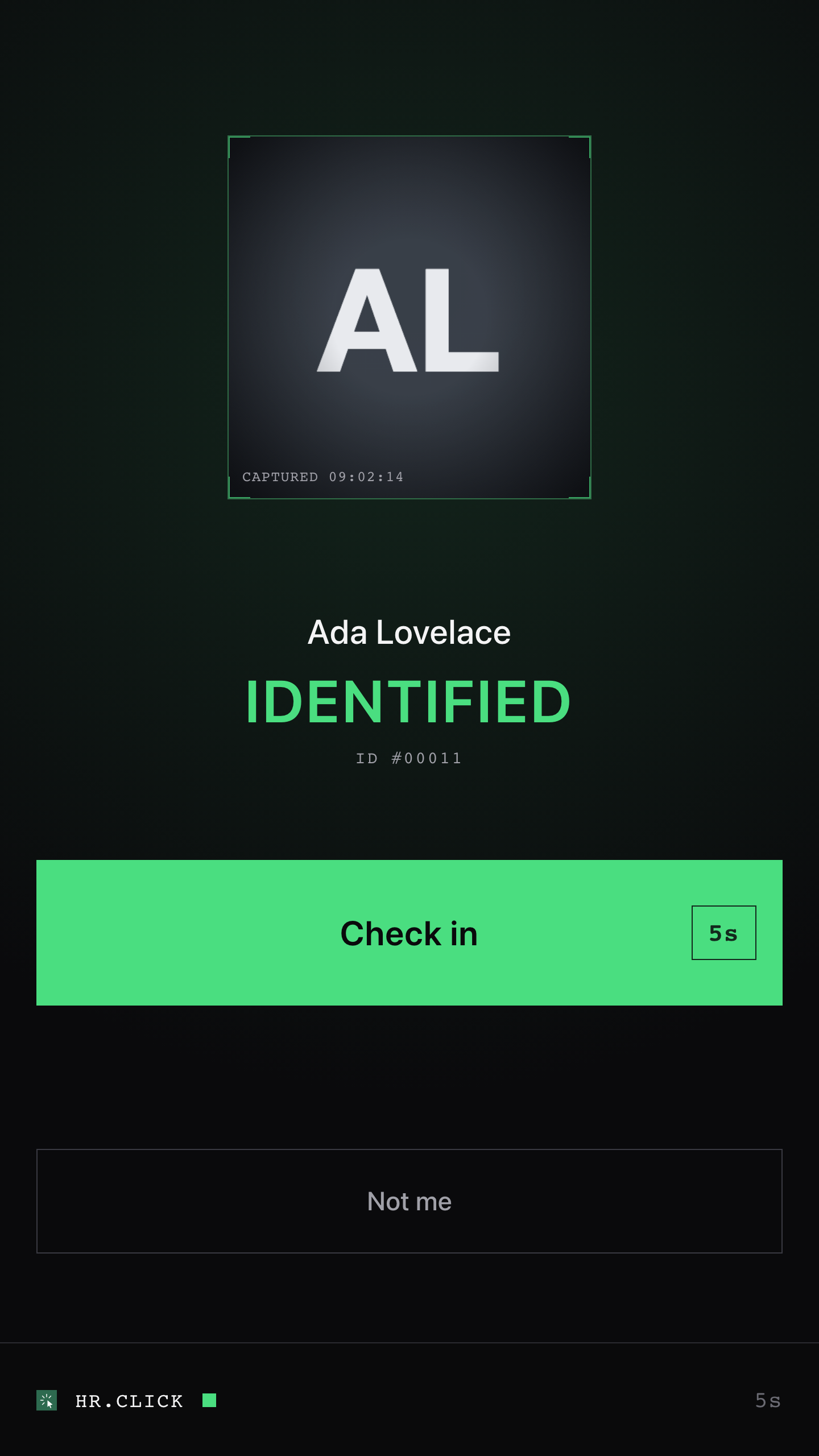
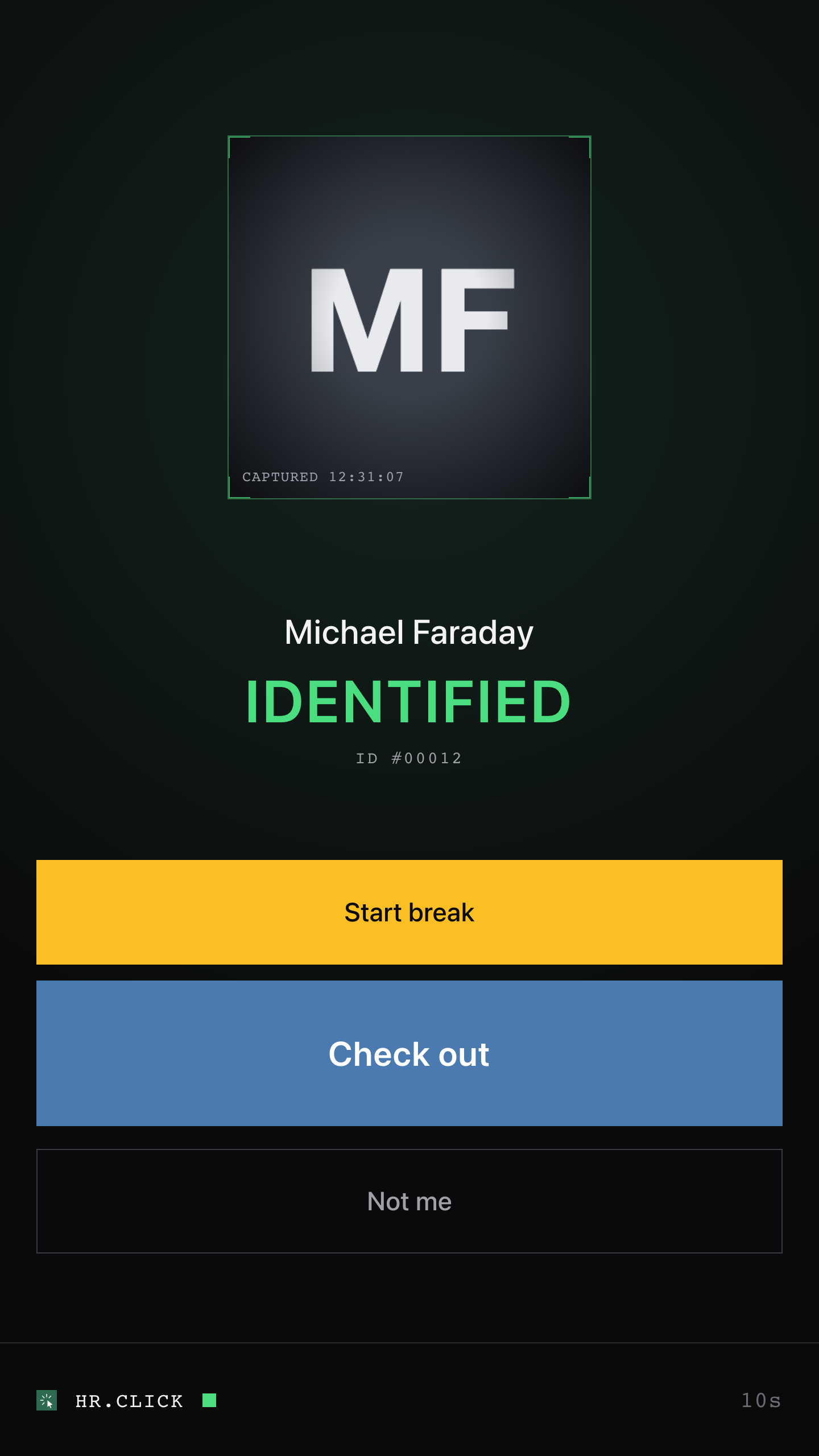
- Wait a moment. When you are recognised, the screen shows your name, your photo, and one or two large buttons. Which buttons you see depends on what you are doing right now:
- Not working yet → Check in. It confirms automatically after 5 seconds — you don’t even have to touch the screen.
- Currently working → Start break or Check out. Tap the one you want.
- On a break → Finish break.
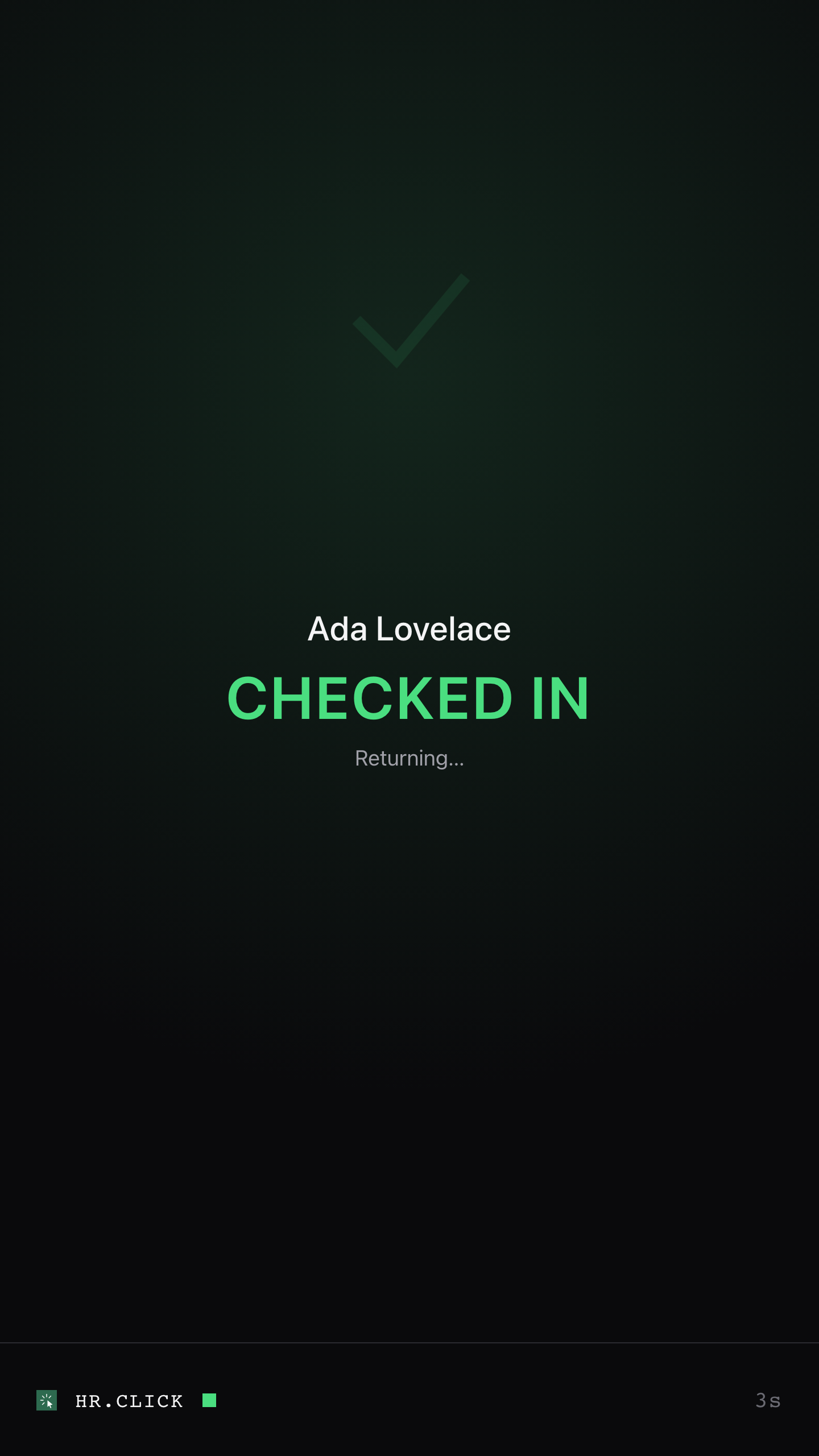
- Done. A large confirmation (“CHECKED IN”, “CHECKED OUT”…) appears and the terminal returns to the resting screen for the next person.
If the screen is dark
To save power, the terminal may switch its screen off after a couple of minutes with nobody around. That is normal — it is not broken. Walking up wakes it within a moment; if it stays dark (in a dim room, say), touch the screen. That first touch only wakes it and presses nothing, so you cannot check in or out by accident.
After you check out
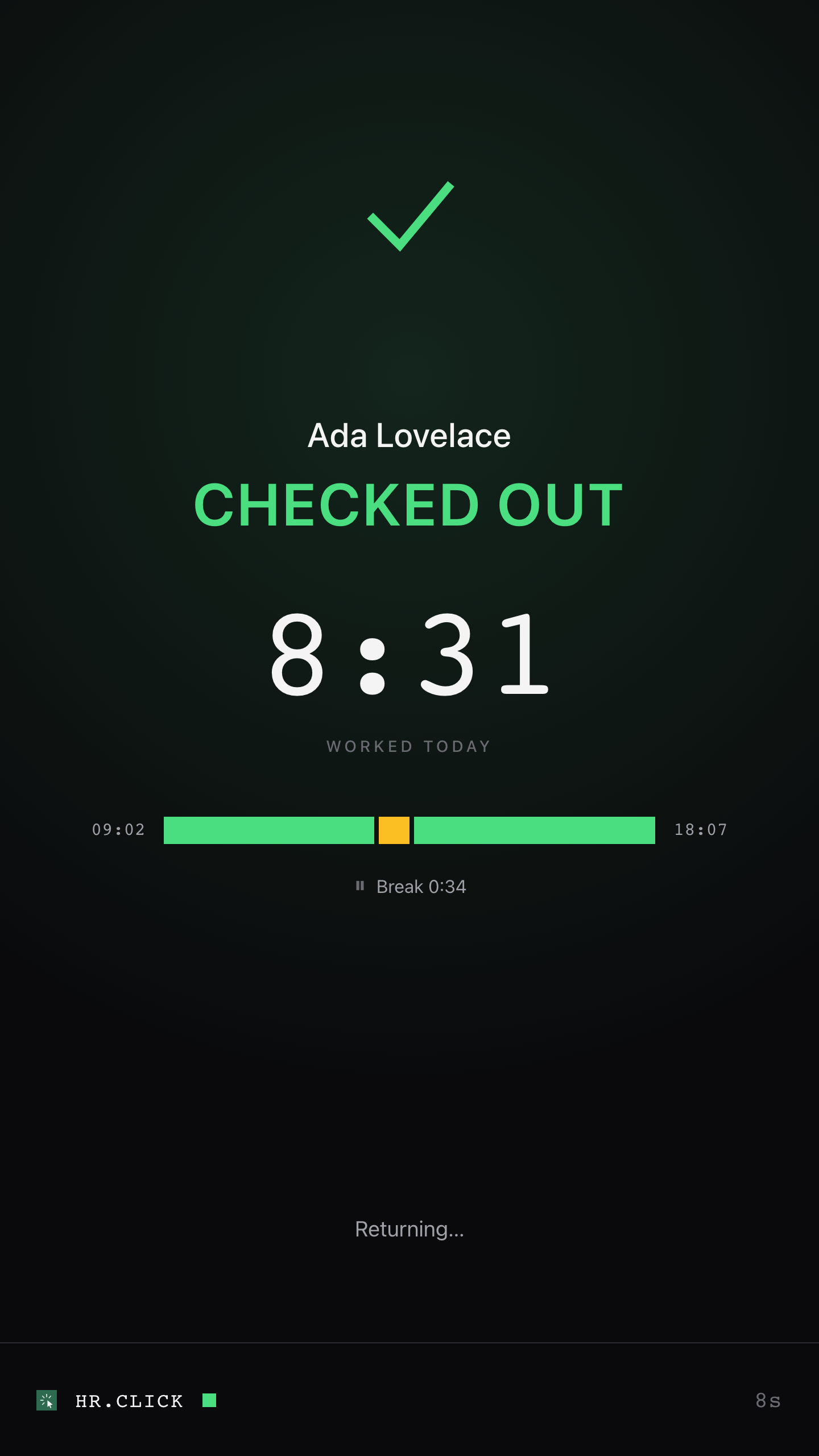
A check-out the terminal could confirm online ends on a short summary of your day instead of the plain confirmation:
- Worked today — the big figure: hours and minutes, with your breaks already taken off.
- The strip of your day — your first check-in at the left end, this check-out at the right end, and between them how the day went: green where you worked, amber where you were on a break, and a dim block for time away if you left and came back.
- Break — the line underneath, shown only if you punched one.
It stays up for about 8 seconds and then returns to the resting screen — tap anywhere to dismiss it sooner. If the terminal was offline, or couldn’t work your day out, you get the plain “CHECKED OUT” confirmation instead: your check-out is recorded either way, and your hours are always in HR.Click.
The figure is today only, and it counts what you punched — a forgotten break makes it read high. Correcting that is done in HR.Click, not here.
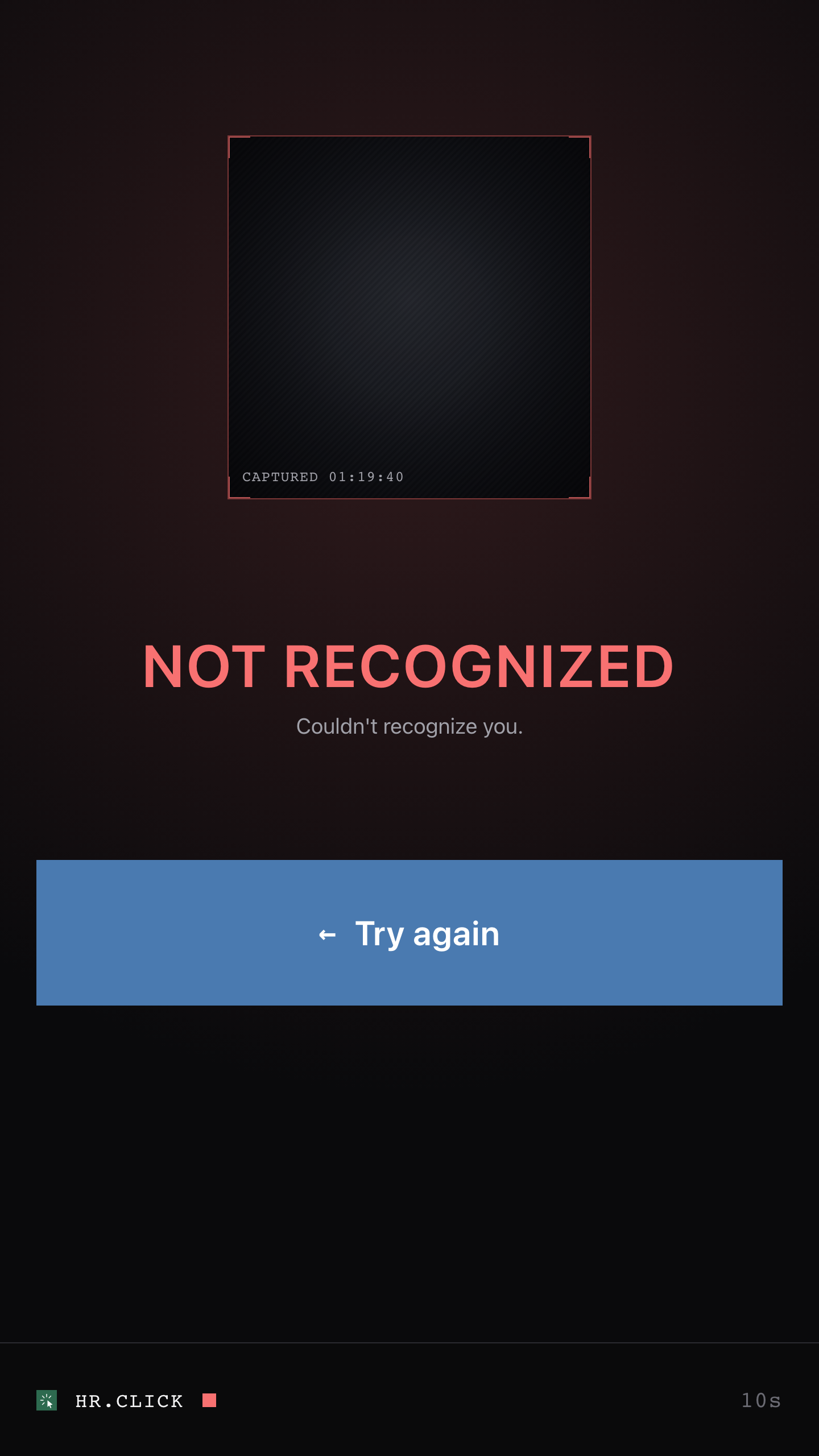
Tap Not me on the result screen and try again. If it keeps happening, tell your administrator — your face profile may need to be re-recorded.
3If something doesn’t work
| What you see | What to do |
|---|---|
| NOT RECOGNIZED | Tap Try again. Stand about an arm’s length away, face the camera straight on, and remove sunglasses or anything covering your face. If it fails repeatedly, ask your administrator to re-enrol you. |
| SPOOF DETECTED | The camera double-checks that it sees a real, live person — this message is nothing to worry about. Put your phone away, step back half a step, and simply try again looking straight at the camera. |
| Your name never appears | You may not be enrolled on this terminal yet. Ask your administrator. |
| FACE SCAN UNAVAILABLE | The terminal has temporarily locked scanning for security reasons. Tell your administrator — only they can unlock it. |
| Screen is dark | It is probably just asleep — touch the screen to wake it (section 2). If it stays dark or frozen after a touch, tell your administrator; the terminal usually recovers by itself within a couple of minutes. |
For anything else — wrong recorded time, a check-in you forgot to make, questions about your hours — contact your administrator or HR team. The terminal itself only records events; corrections are made in HR.Click.
4Quick reference
HR.Click Face Terminal — Employee Guide · v1.2 · October 2026. Product screens shown with sample data; names of persons are fictitious examples.